
Oroville Criminal History Checks
Start with the office that created the record. Oroville Police Department handles its incident and arrest reports, while the City Clerk manages the broader city public-records process. A county jail booking is held by the Butte County Sheriff's Office. Once prosecutors file a charge, the court record belongs to the Superior Court of California, County of Butte. The California Department of Justice holds the statewide summary, but it offers no public name search.
Use this order to keep unlike records from being confused:
- Ask Oroville Police Records for the police report or local incident material.
- Submit a city request in Oroville NextRequest when the record falls under the City Clerk's process.
- Check Butte County booking logs if the person entered county jail.
- Search the Butte Superior Court portal for a filed criminal case.
- Request your own California DOJ record through Live Scan when a state summary is needed.
A report number, event date, location, and a precise description can help staff locate a city record. A name or case number is more useful at the court. Access may still be limited when disclosure would invade privacy, expose protected information, or interfere with an active investigation.
Oroville's County Records Hub
Oroville is both a city and the Butte County seat. That makes it the county's main physical cluster for criminal records. The Criminal Division is at One Court Street. The District Attorney is at 25 County Center Drive. Sheriff's records, the jail, and county booking functions are at 5 Gillick Way, while probation headquarters is also in the County Center area. These offices serve different legal stages even though they are close together.
The distinction matters. A police report describes what officers documented. A jail log confirms a custody event. A prosecutor decides whether to file charges, and a court register tracks what happens after filing. Probation records concern court-ordered supervision and are not a substitute for the public case docket. Moving between offices should follow the record, not merely the nearest counter.
Call the likely custodian before visiting. Staff can often confirm whether the request belongs with the city, sheriff, or court. That small check matters in Oroville because nearby city and county offices apply different disclosure rules, copy processes, and record indexes.
Records at Oroville Police
Oroville Police Records is the direct source for reports created by city officers. The official Police Department forms page directs questions to the Records Division at 530-538-2456 or records@oropd.org. Those contacts help identify the right form and whether a requested police document can be released.
Police files may contain protected details that do not appear in a public court index. Victim information, juvenile material, medical details, and active investigative facts can be withheld or redacted. A requester should describe the event narrowly and avoid treating a police report as proof that a charge was filed or sustained. Court disposition must be checked separately.
Oroville NextRequest in Practice
The City of Oroville public-records page identifies NextRequest as the preferred online route and explains the City Clerk's records role. It says city agencies have up to 10 days to determine and respond to a California Public Records Act request. That period is for the initial determination, not a promise that every set of records will arrive within ten days.
The portal accepts a request description, requester contact details, and attachments. Search existing requests before opening a new one, since a prior release may answer the question. Name the department, time range, and record type. Broad demands can take longer to identify and review.
The official source shows the city process below.
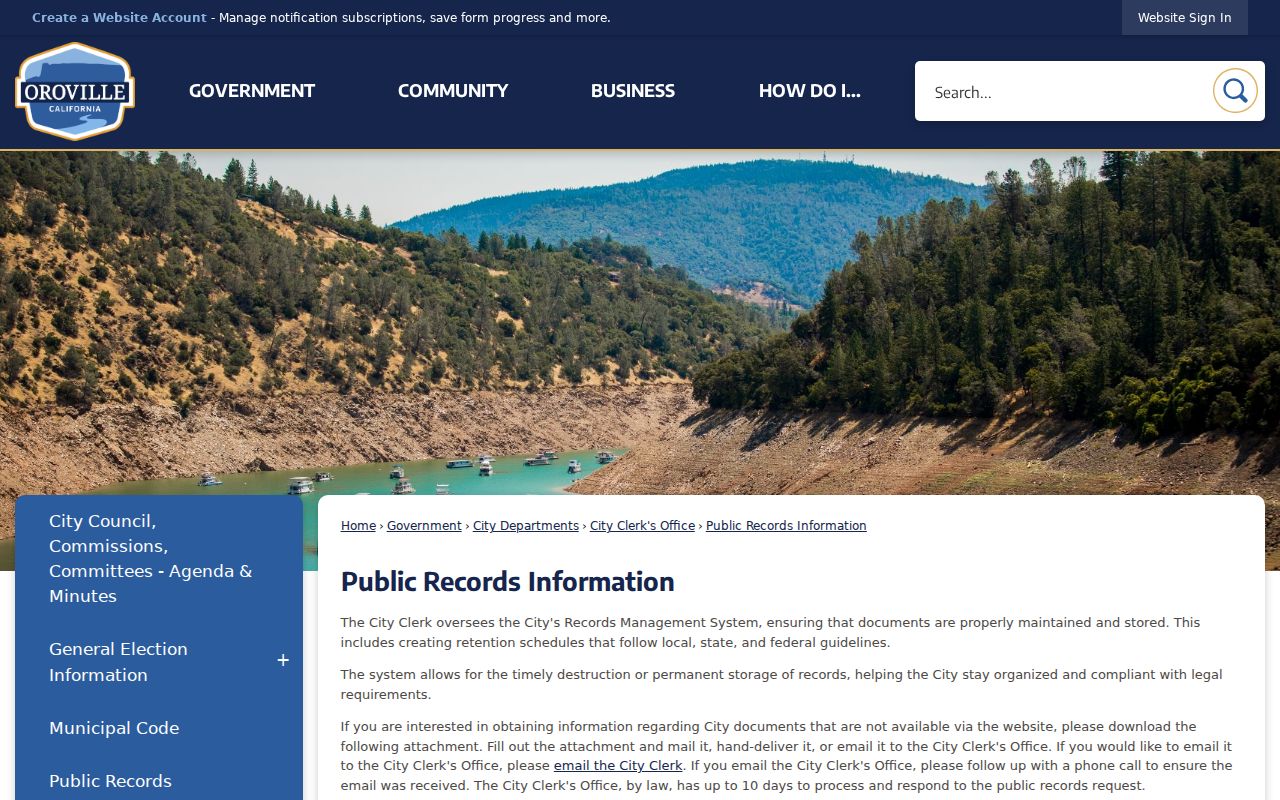
The image reinforces that city records use a formal request path rather than an unrestricted criminal-history database.
The city's Oroville NextRequest portal provides the submission and request-tracking screen.
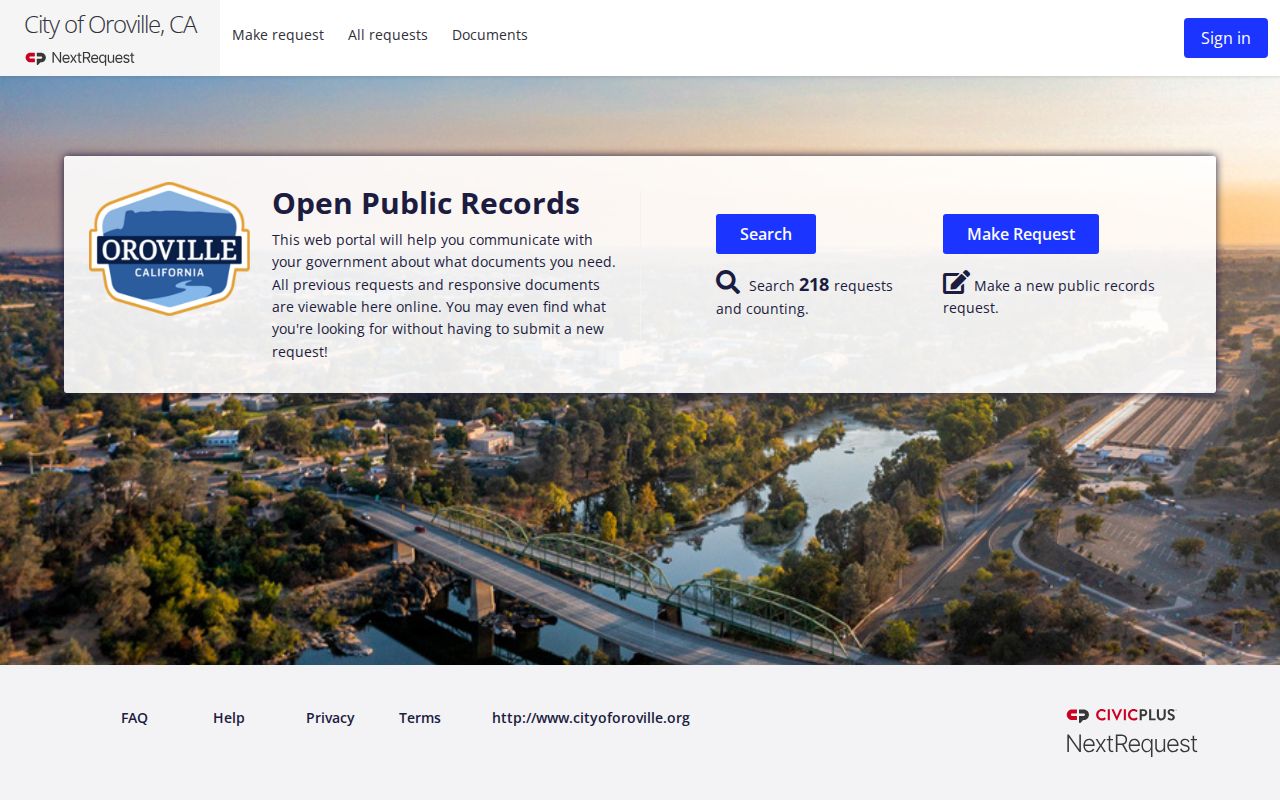
Its town-level scope is useful for city records, while jail and court files remain with county agencies.
Booking and Arrest Records in Oroville
An Oroville Police arrest can produce records in more than one place. Police retain the agency report. If the person is received at the Butte County Jail, the Sheriff's Office creates the booking entry at 5 Gillick Way. The BCSO booking-log page posts weekly PDF logs, so a recent custody event may appear there before a court case exists.
Booking is not conviction. It documents intake, identifying data, alleged offenses, booking time, and custody information available in the log. A prosecutor may later decline, change, or file charges. For the broader county workflow and the limits of a booking entry, use the Butte County arrest search. Never infer a final outcome from the first log alone.
From Oroville Report to Case
When a police report leads to a prosecution referral, the Butte County District Attorney reviews the material. A court case begins only if charges are filed. Search the Butte Superior Court public portal by name or case number after allowing for processing time. Public case and hearing data are updated live, and no account is required for public searches, but remote access does not expose every public document.
If the portal has an entry but the needed document is unavailable online, contact the Criminal Division at One Court Street, Oroville, CA 95965, or call 530-532-7011. Courthouse terminals may provide public documents that California remote-access rules keep off the internet. A copy request is another route when the case number and desired document are known.
The Oroville Municipal Court File
California does not give Oroville a separate municipal criminal court for state felony and misdemeanor charges. Butte County's former municipal courts were unified into the Superior Court. City ordinance or police involvement therefore does not create an independent Oroville criminal docket. Filed state charges are searched through the Butte Superior Court portal and handled through its Criminal Division.
| Court Name | Superior Court of California, County of Butte |
|---|---|
| Case Types Heard | Filed state felony, misdemeanor, and infraction matters |
| Case Lookup Channel | Butte public case portal, courthouse terminal, clerk, or copy request |
| What the Docket Shows | Case number, charges, hearings, register events, disposition, and sentence where public |
| Copies & Fees | Court copy and certification fees follow the court schedule, not Oroville's city-copy rate |
That boundary prevents a common mistake: Oroville City Hall records and Oroville Police reports are not the court's criminal case file.
Oroville Copy Costs Compared
Oroville's public-records page lists standard 8.5-by-11 city copies at 10 cents per page. Review may occur at the City Clerk's Office or another designated location during office hours. Those city terms apply to city-held material. They do not control Superior Court copies.
The court uses its own copy request form and fee schedule, including separate charges for certification and extensive searches. Court processing language indicates roughly one week for copy requests. Ask which custodian holds the exact item before comparing prices. A police report, a city email, and a certified court disposition can involve three different rules even when all relate to the same event.
How Oroville Records Reach the County
Local records move by stage. Oroville Police documents the event and may take fingerprints during arrest processing. A county booking adds the jail record. The District Attorney's filing decision can create a Superior Court case. The court then reports disposition data through California's criminal justice chain so the state summary can reflect the outcome.
Record flow: Oroville Police Department › Butte County booking and Superior Court › California Department of Justice
Recent activity is usually best checked with the city agency and county booking log. Filed charges and outcomes belong in the court record. For a statewide review, California DOJ permits an individual to request only their own criminal history through Live Scan. It does not operate a public name-search portal for another person's rap sheet.
Oroville Population and County Role
BCAG's official local estimate places Oroville at 20,664 residents on January 1, 2026, the county's second-largest incorporated city. Population alone does not explain the volume of government records found here. Oroville's status as county seat brings the main Criminal Division, District Attorney, jail, Sheriff's Records Office, and probation administration into the same city.
The Butte County profile supplies broader context for the county Oroville serves.
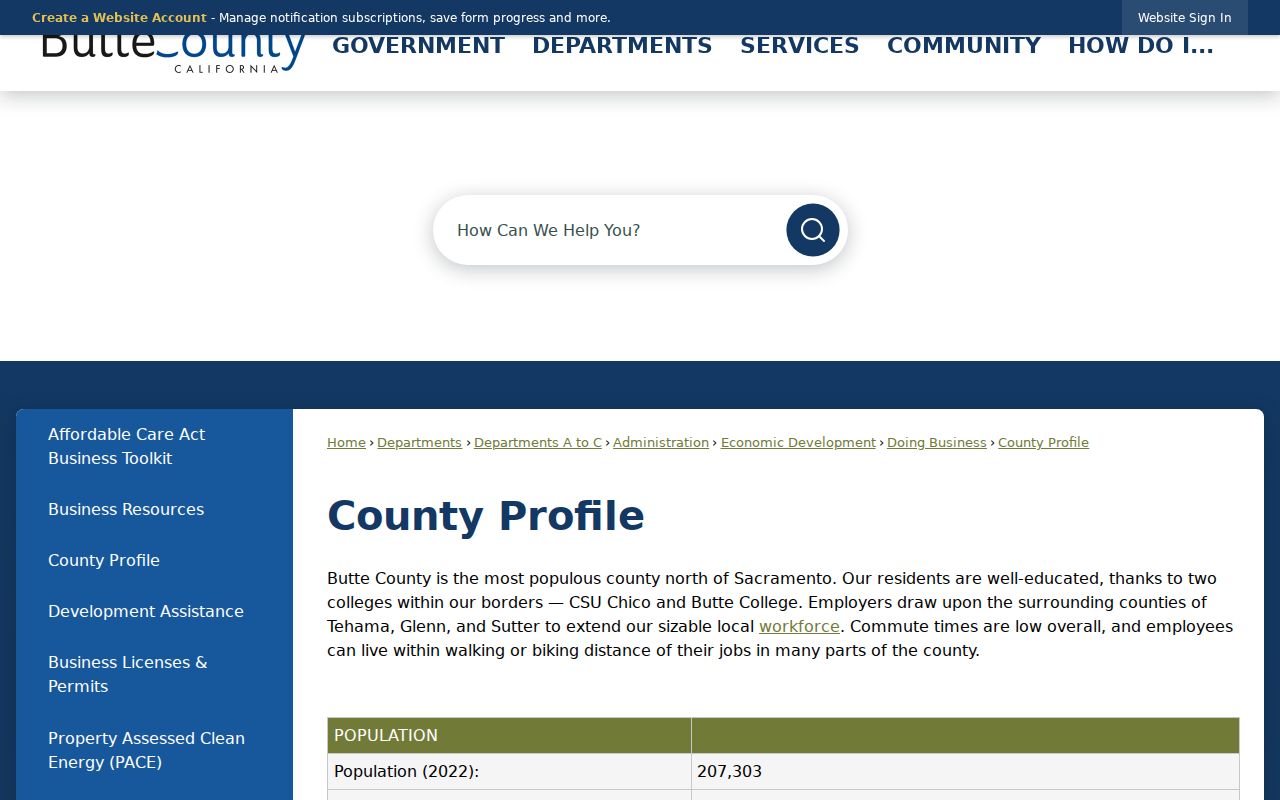
The county profile helps explain why an Oroville search can involve both city files and countywide offices located in Oroville.
Finding Oroville Warrant Records
Do not assume the city maintains a public, complete warrant list. A bench warrant arises from a court case, so the court register and Criminal Division are key sources. An arrest warrant may also connect to agency records, but investigative limits can restrict disclosure before service.
Search the court portal for the related case and confirm any urgent question directly with the court or law enforcement. A stale online entry, a recalled warrant, or a name match can mislead. Anyone addressing their own warrant should rely on the issuing court and qualified legal advice rather than trying to resolve status from a city records request.
Oroville Record Access Rules
California law favors access to identifiable public records, but it also protects criminal-history summaries and sensitive police information. Oroville may redact exempt material or withhold a record when a statutory exemption applies. Court remote access has separate rules, and the state repository is more restricted than either a city request or public court index.
Key Statutes:
California Public Records Act sets the framework for requesting nonexempt city and police records.
California Penal Code section 11105 restricts dissemination of state criminal offender record information.
California Rule of Court 2.503 governs public electronic access to trial court records.
California Rule of Court 2.507 addresses remote access to calendars, indexes, and registers.
Use official records for personal review, case understanding, or historical research. This privately run resource is not a consumer reporting agency, and its material cannot be used for any Fair Credit Reporting Act regulated purpose.